 SkyCare
See it in action
A short tour with no sound: swipe between pages, tick off a lesson and a routine step, try the breathing guide, log a mood, change colors, and pick apps. Taps and swipes show as a small circle.
About 50 seconds. Sample data, sample apps.
It is okay to ask for help.
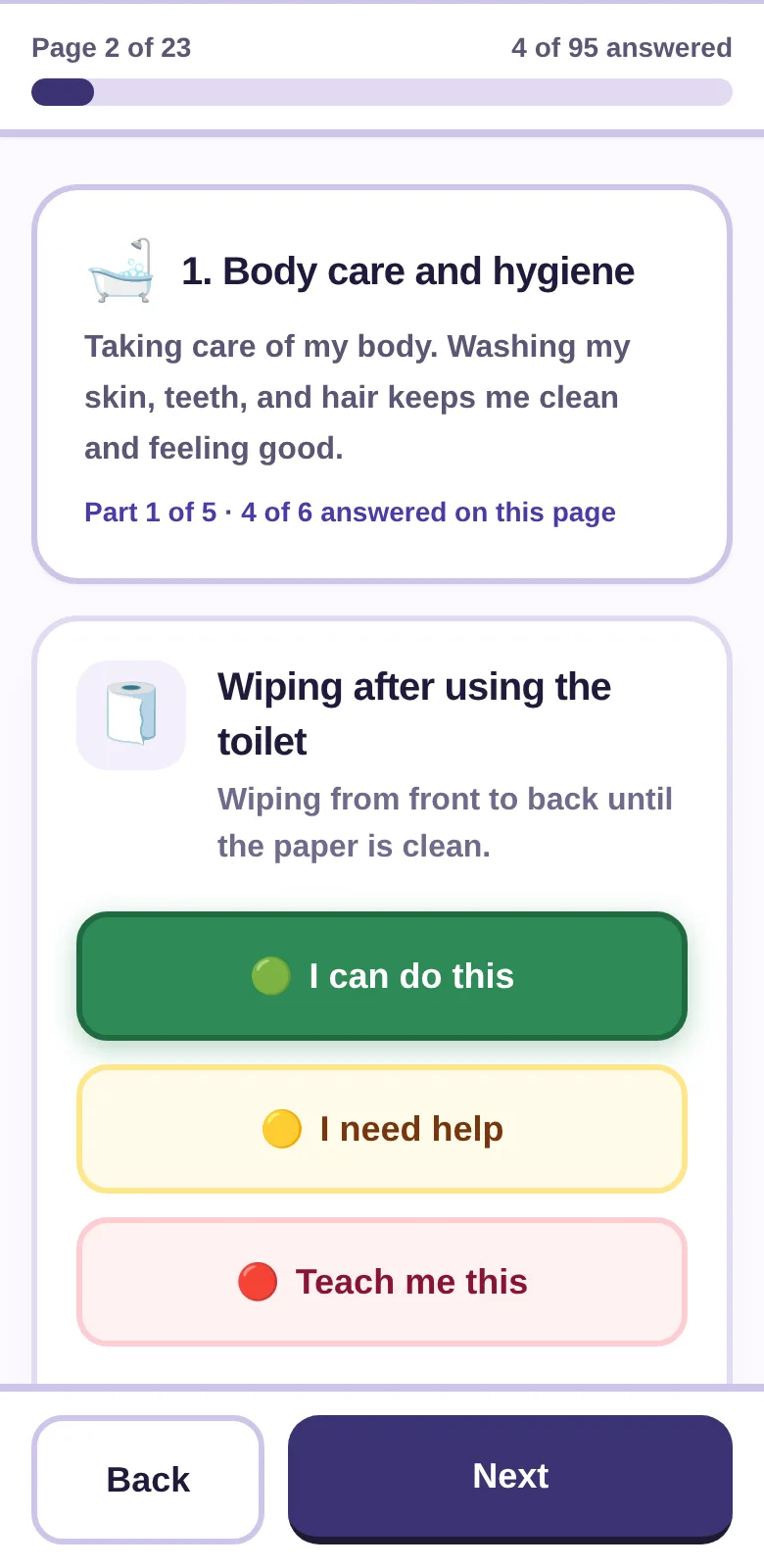
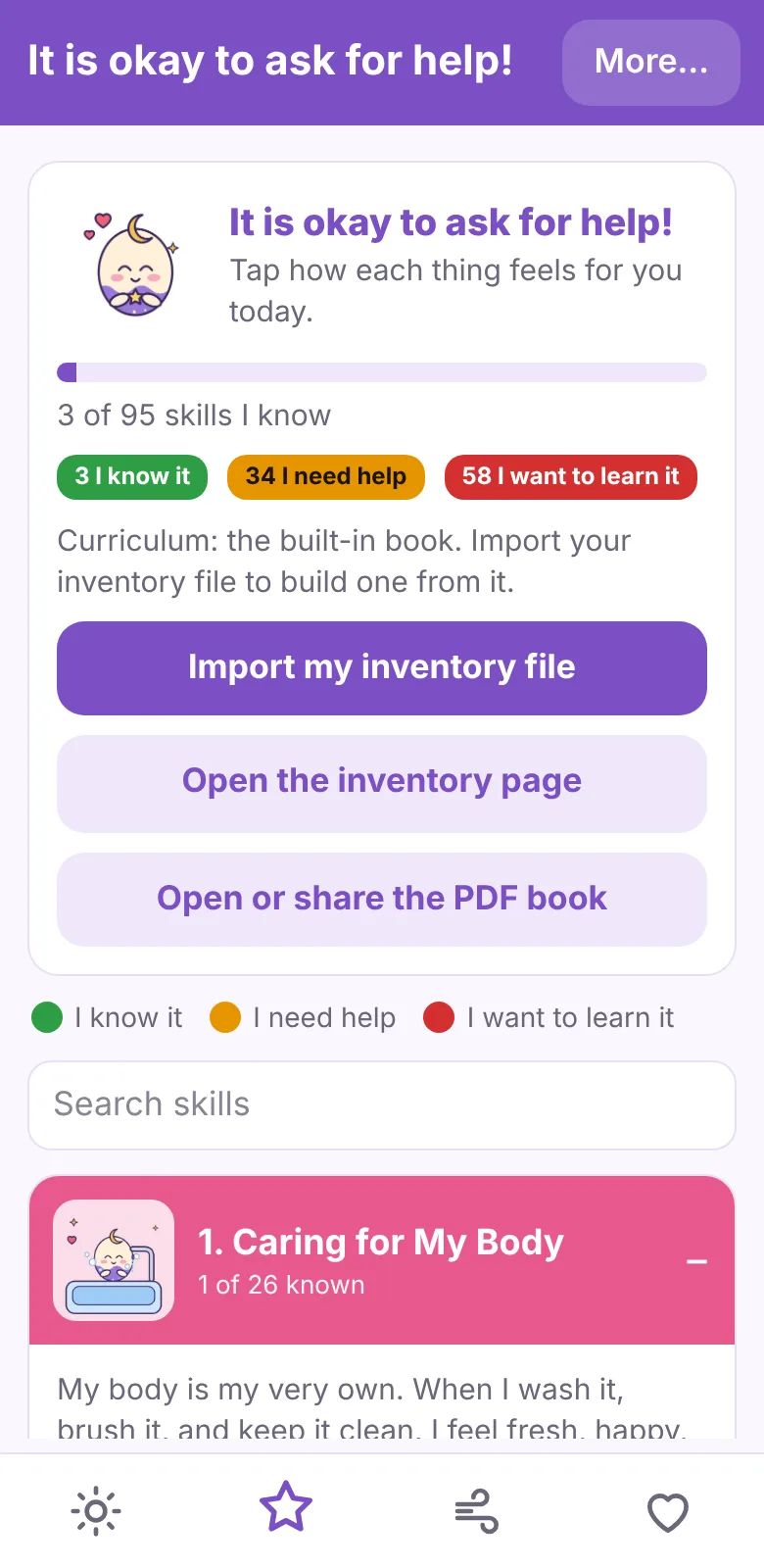
Every skill in the app gets three honest answers. Green means you know it. Yellow means you need help. Red means you want to learn it. There is no wrong one.
Tap a few to see what happens.
Start from your own inventory
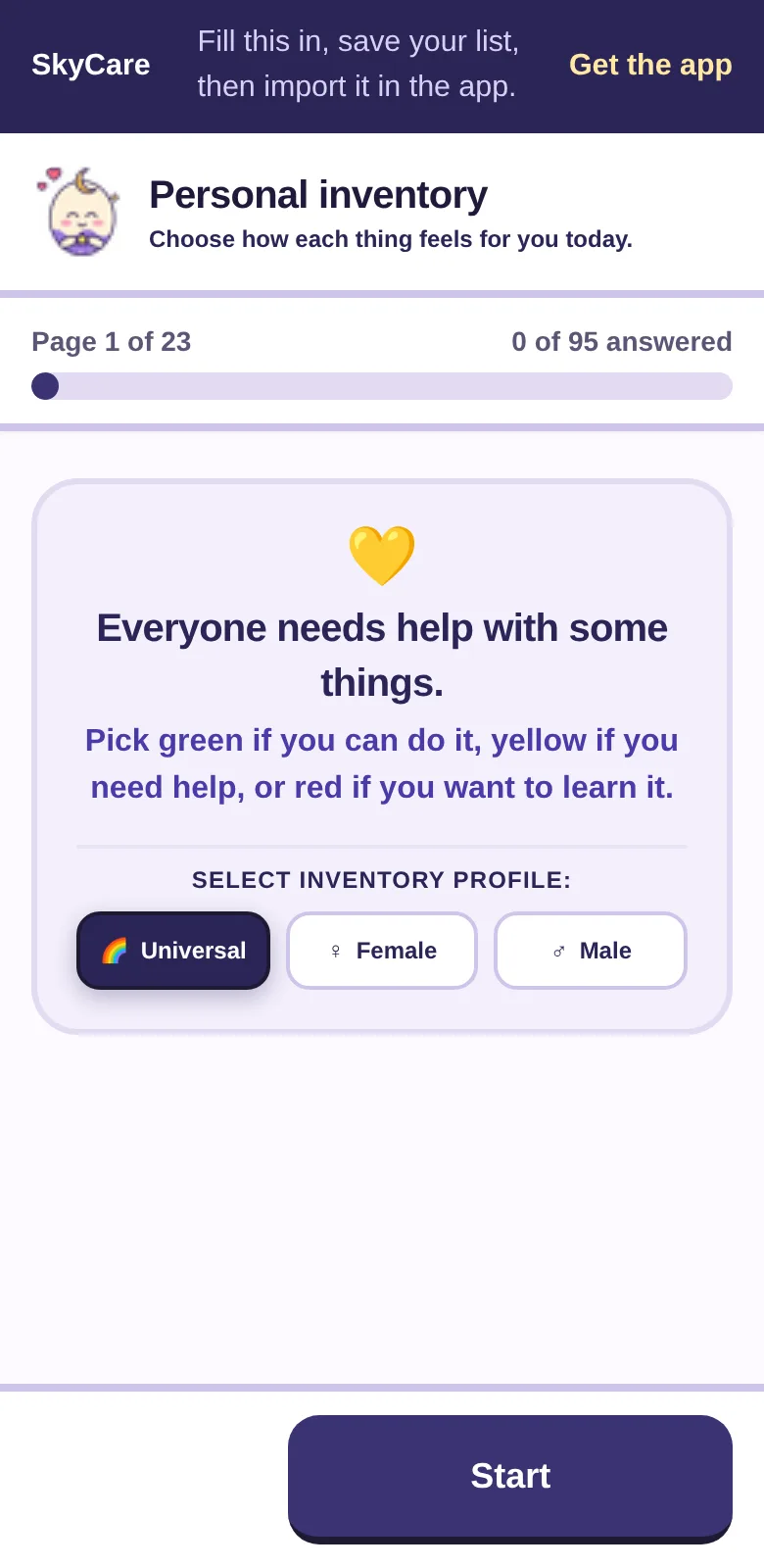
You do not need the inventory to begin. The whole book of 95 skills is already inside the app. But if you fill it in, the app builds your lessons from your answers.
Fill in the inventory
Open the inventory page. It shows a few things at a time, with a progress bar at the top so you can see how far you are. Tap green, yellow, or red for each one. Your place is remembered, so you can stop and come back.
Save your list
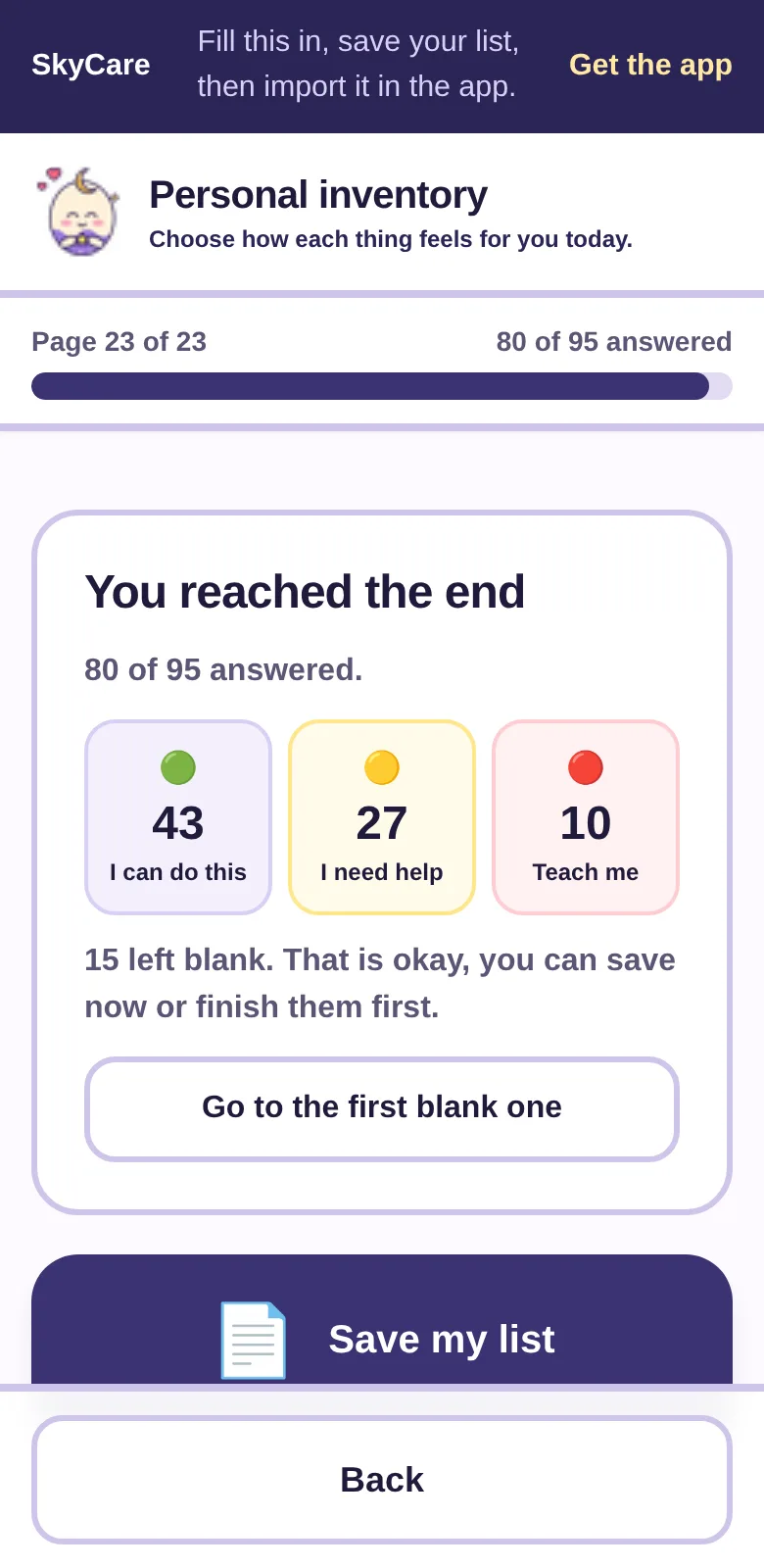
On the last page, press "Done! Save my list." Your phone saves a small text file. You can lock it with a password first.
Open it in the app
In SkyCare, go to Skills and tap "Import my inventory file." Pick the text file. The app reads it and builds your curriculum.
Get a few lessons a day
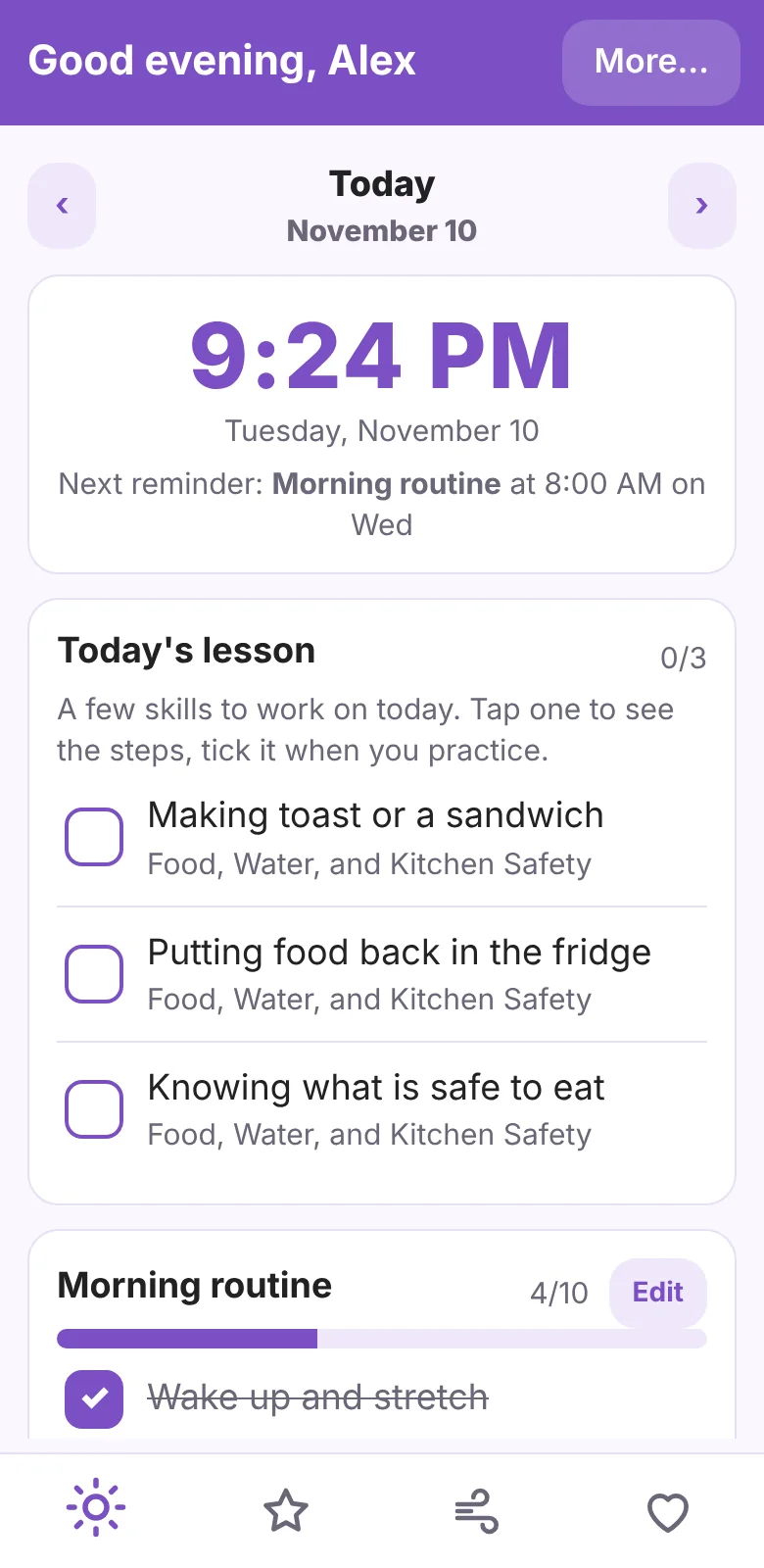
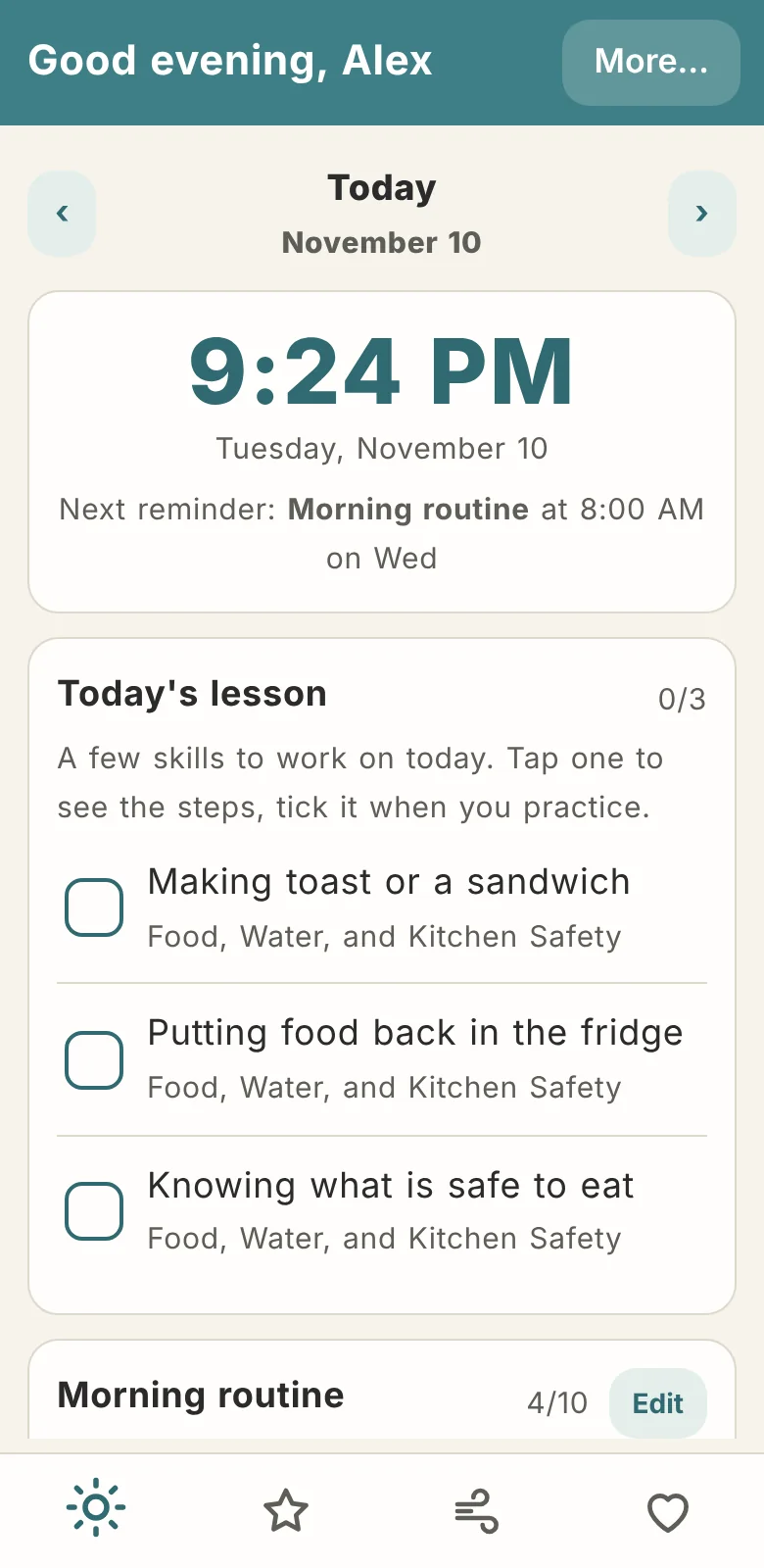
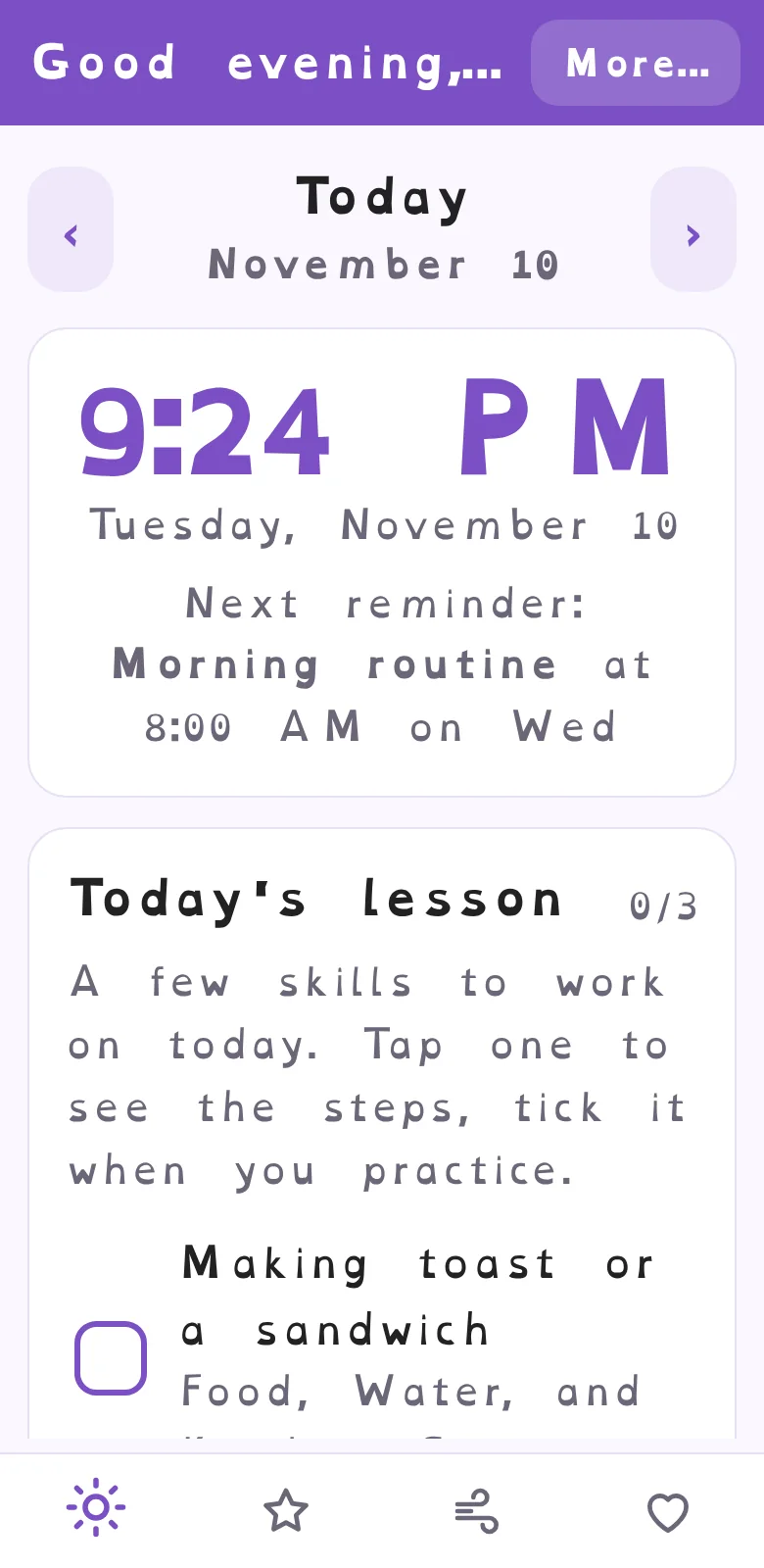
Today's lesson picks three skills at a time, starting with the ones you want to learn most. Tap one to see the steps. Tick it when you practice.
What is inside
Everything runs on your own device. Open any screen, and it is yours to change.
Learn, at your own speed
Each skill is a short, kind explanation and a few numbered steps, written the way you would explain it to a five-year-old. No one gets talked down to. Everyone gets a clear next step.
- 95 skills in six sections: body care, clothes and home, food and water, staying safe, big feelings, and talking with people.
- A button on every skill to say how it feels today. The color changes as you grow.
- A printable PDF of the whole book, made inside the app from your own list.
Plan the day, softly
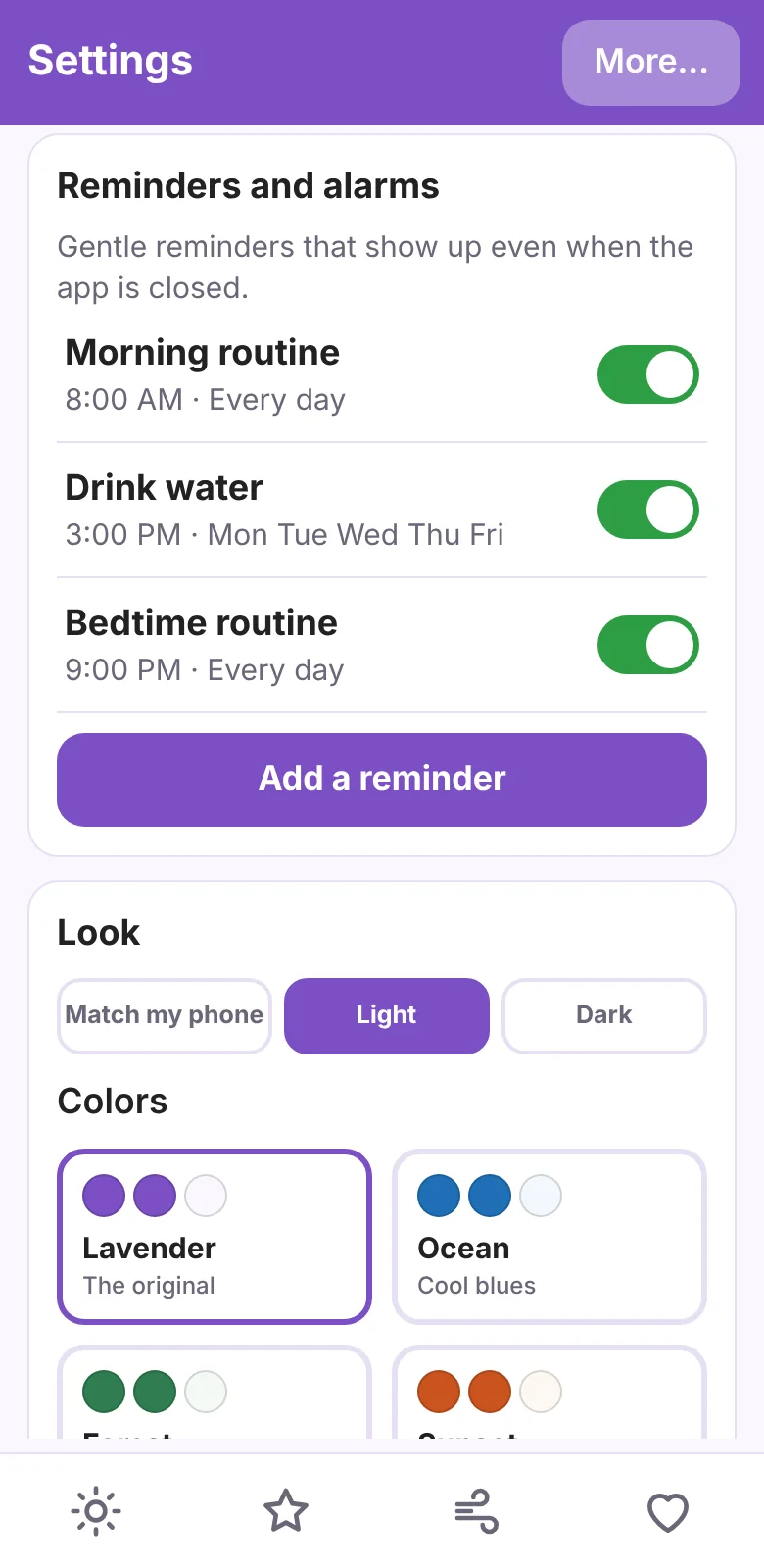
Routines that you can reorder and rewrite, and reminders that you set yourself.
- Morning and bedtime routines. Move steps up or down, rename them, or add your own.
- Repeating reminders for water, meals, medicine time, or anything else, on the days you choose.
- A big, easy clock, a planner for each day, and a water counter.
Notice how you feel
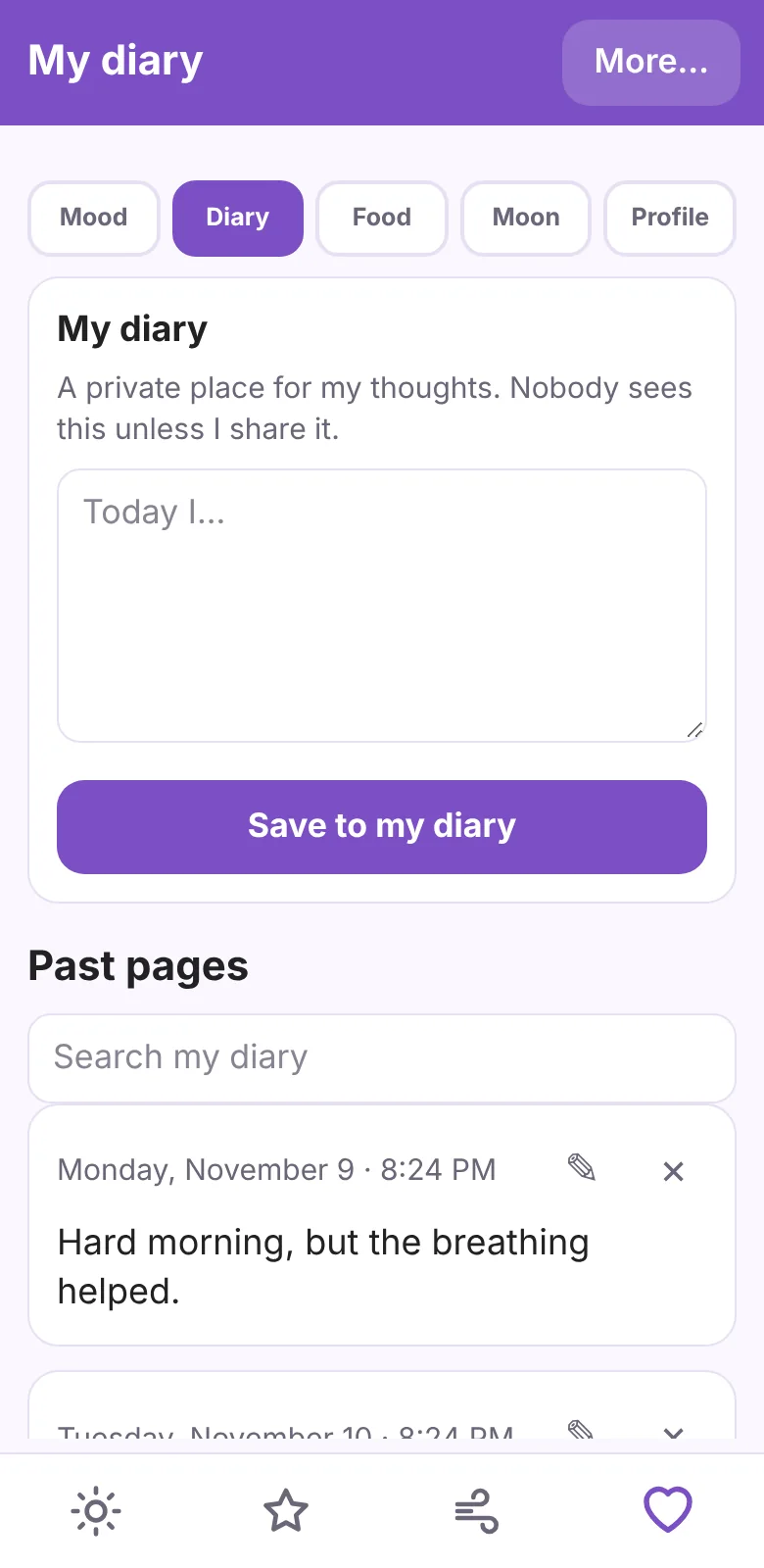
A place to check in with yourself, and tools for when feelings get big.
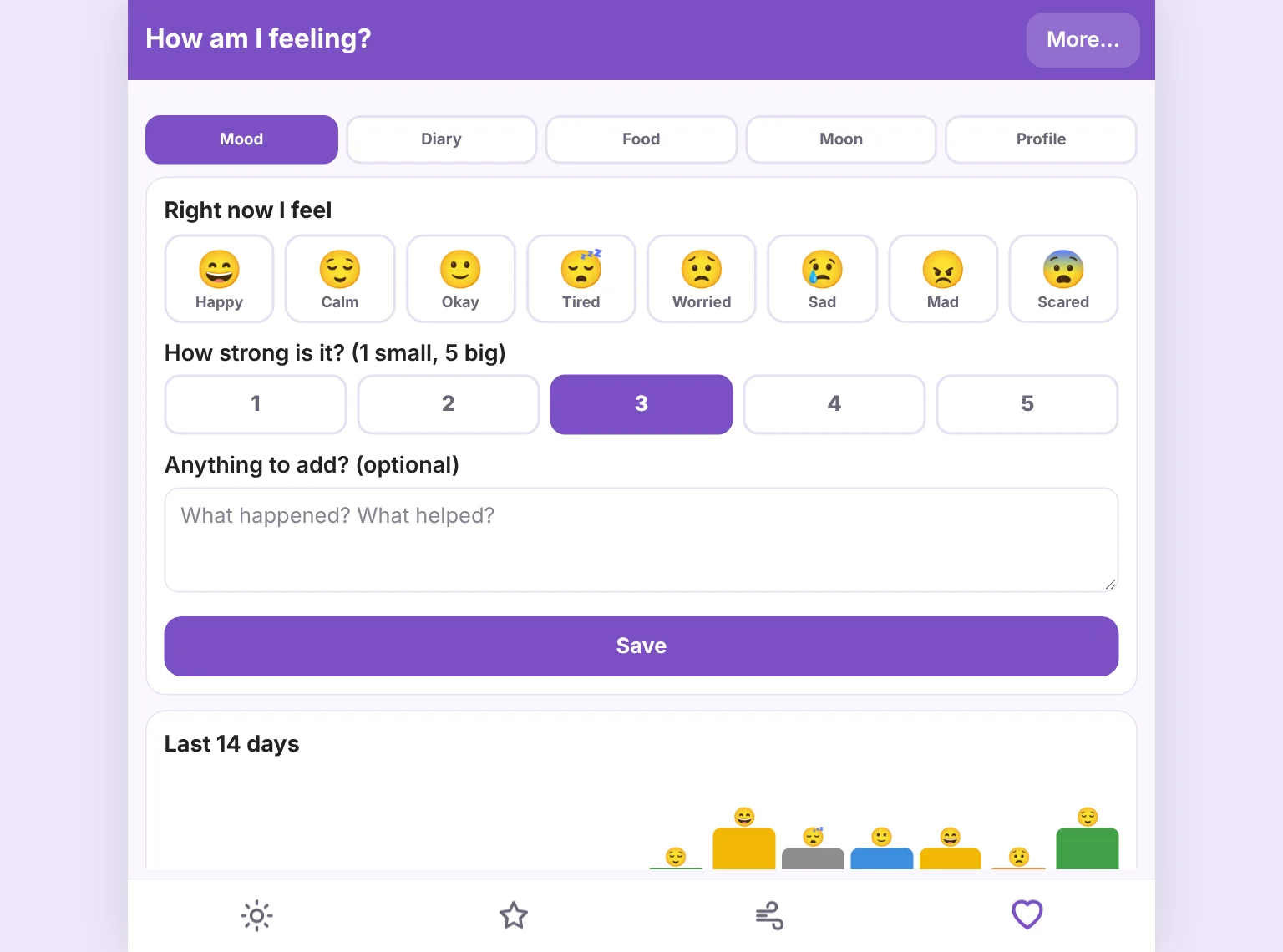
- Mood check-ins with a 14-day chart.
- A private diary with search, and a food log that asks how your tummy feels.
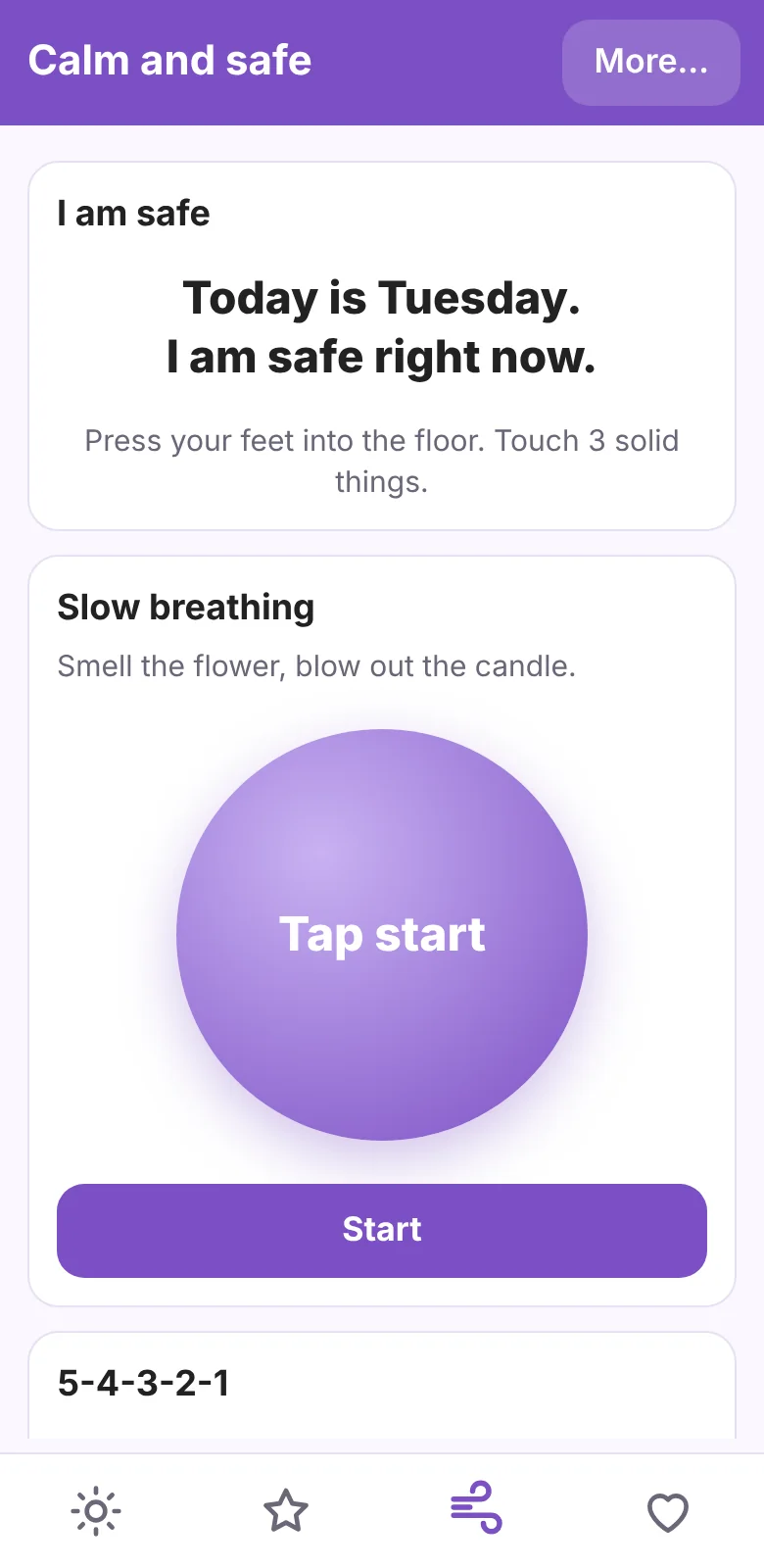
- Calm tools: slow breathing, a 5-4-3-2-1 grounding game, and a "who can I ask for help?" card with your safe helper's number.
The moon, and your path
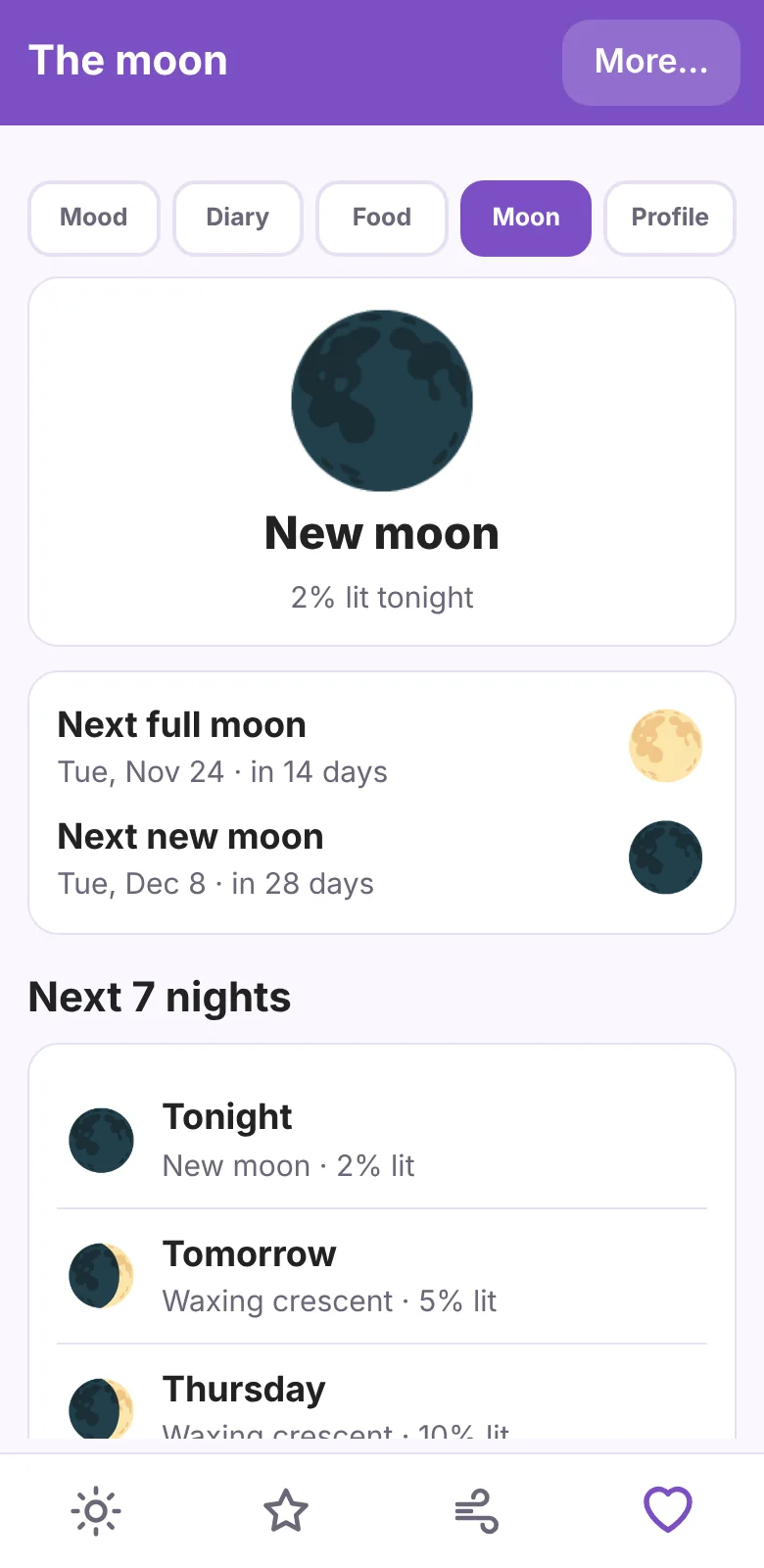
A moon calendar built from real phase dates, plus pages for what you love and what you believe.
- Tonight's moon, the next full and new moon, a seven-night forecast, and a month calendar. Dates come from the U.S. Naval Observatory and are saved for offline use.
- A "likes and dislikes" profile for foods, music, sounds, textures, and more. Share it with the people who help you.
- Optional journals for the path you choose: Bible Study, Torah Study, Quran and Dua, a Dharma journal, a Sadhana journal, Gurbani and Simran, a Book of Shadows, a reflection journal, and a spiritual journal. Some show a daily verse from a free source.
Make it fit you
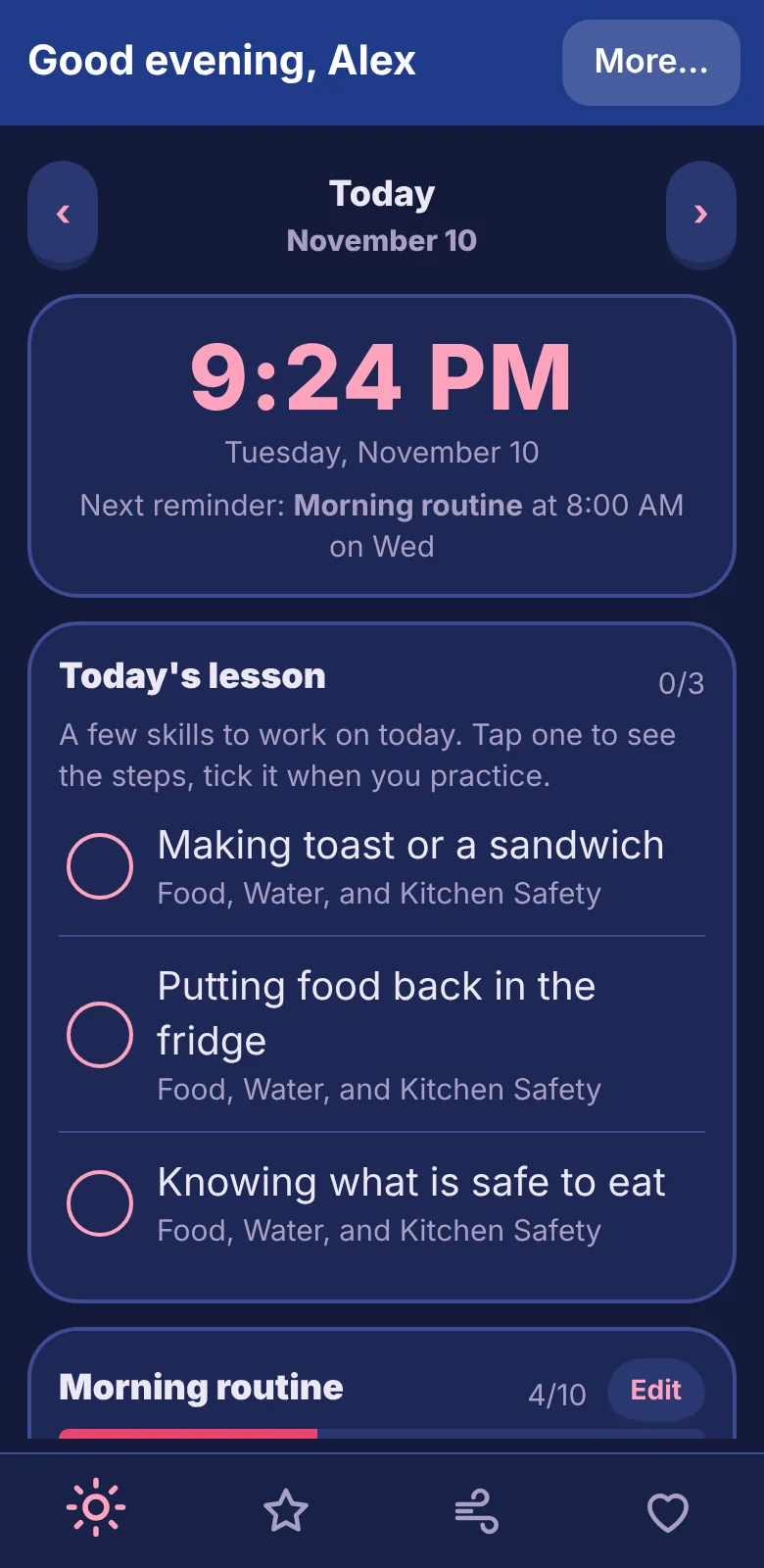
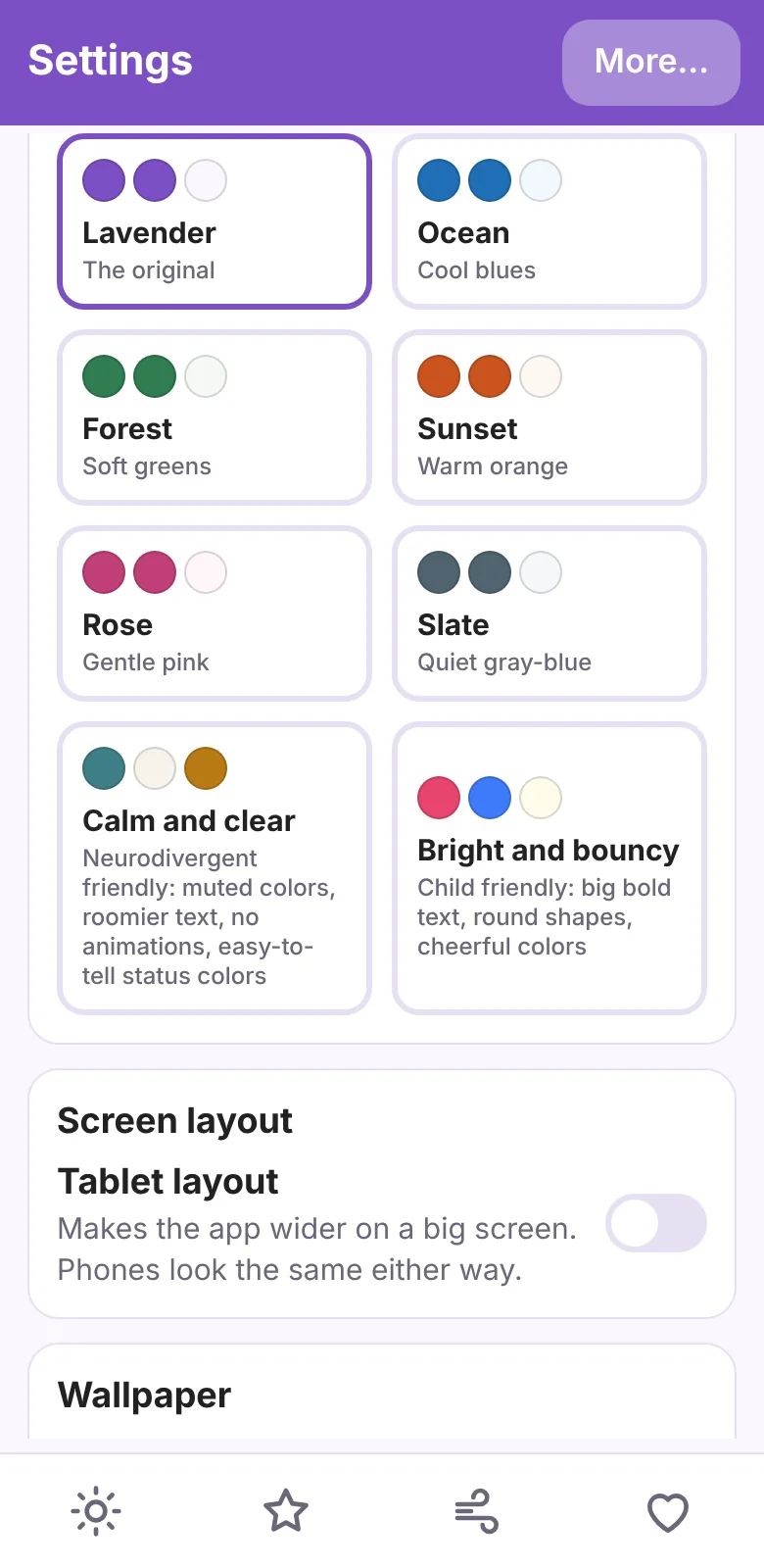
Colors, text, and fonts that change to suit your eyes and your brain.
- Light and dark, and eight color themes. "Calm and clear" is quiet and roomy, with no animations. "Bright and bouncy" is big, round, and cheerful.
- A text size slider, an easy-to-read font, a dyslexia-friendly font, and extra letter spacing.
- Color-blind modes. They swap the status colors and add a star, triangle, or check mark, so color is never the only clue.
Easy to move around
Five icons along the bottom take you to Today, Skills, Apps, Calm, and Me. Everything else lives behind More… in the top right.
- Swipe left or right on any page to go to the next or previous one.
- Pages slide in and buttons press down gently. If your phone is set to remove animations, SkyCare stays still.
- The app opens on Apps on Android, so your everyday apps are right there.
- Calm has a breathing guide you can stop at any time.
Your apps, one tap away
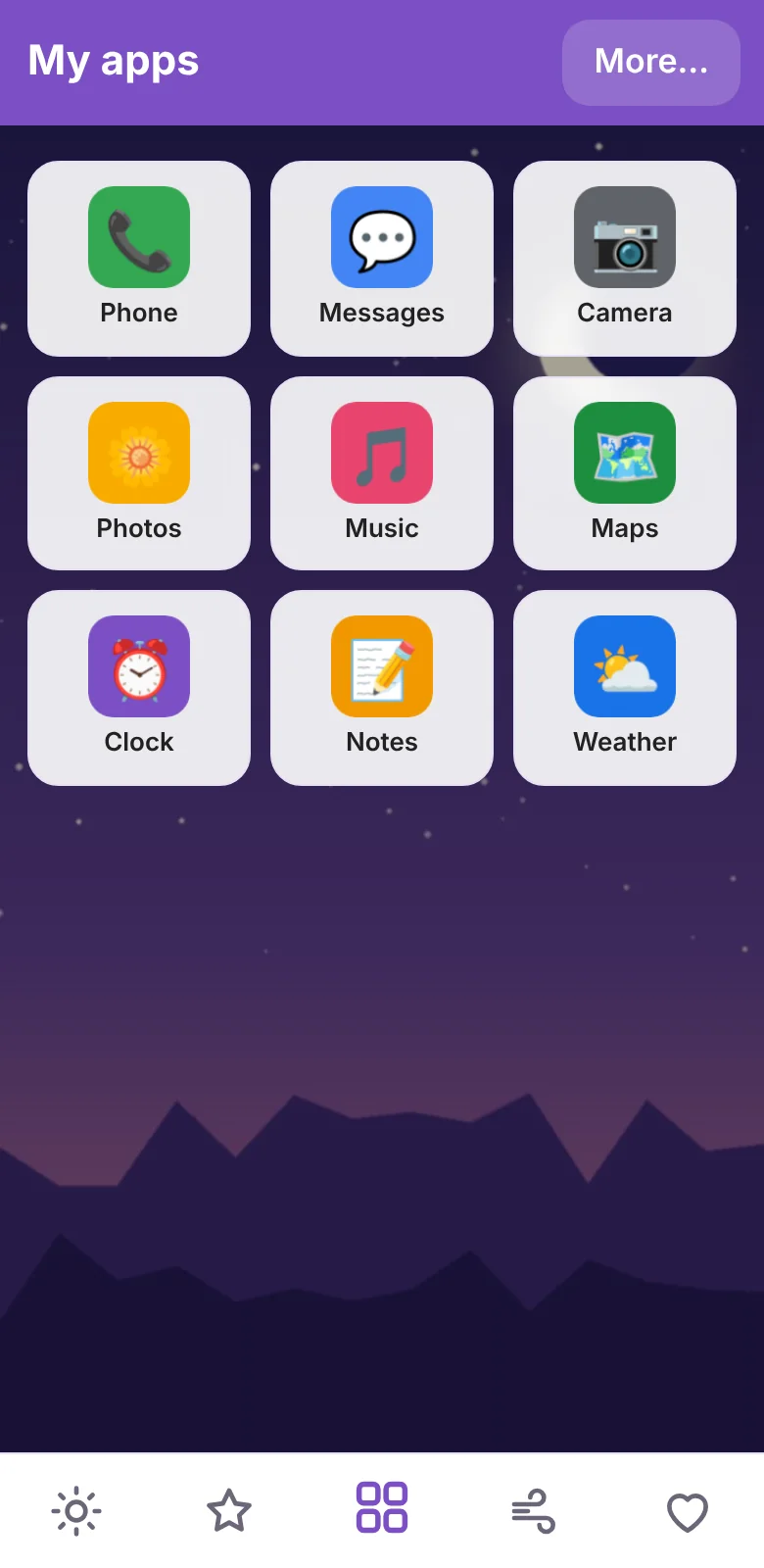
On Android, SkyCare can hold the few apps you use every day on one calm page. You choose what is on it.
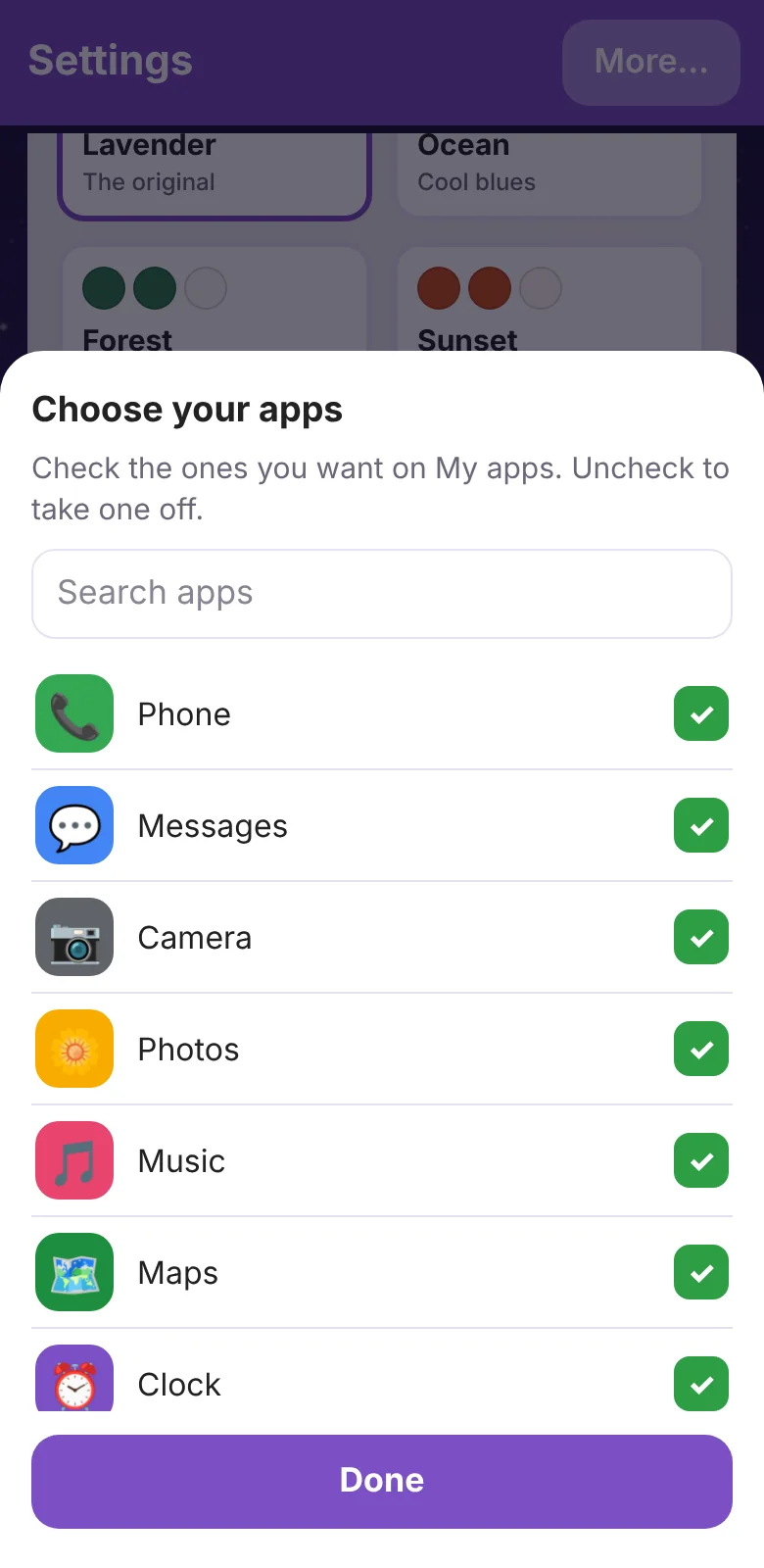
- The Apps tab starts empty. Open More, tap Add or remove apps, and check the apps you want. Uncheck one to take it off.
- Tap a big, friendly tile to open that app.
- If you like, make SkyCare your phone's home screen from More, under Home app settings. It is optional, and you can switch back in Android settings at any time.
A look that is yours
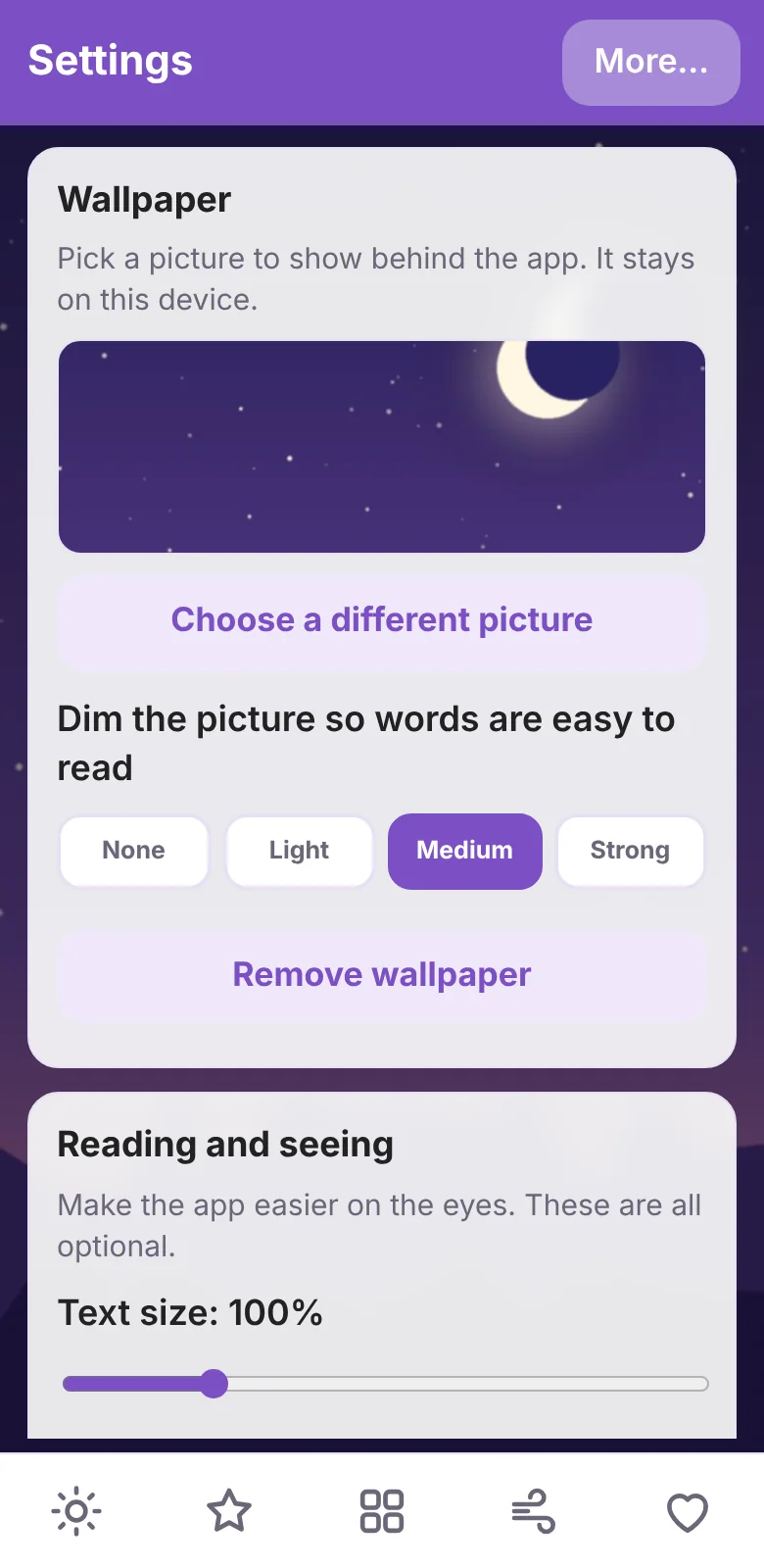
Pick a picture for the background, and make the words big, spaced, and easy to read.
- Choose any picture from your gallery as a wallpaper. Dim it a little or a lot so the words stay clear. The picture stays on your device.
- Text size, an easy-to-read font, a dyslexia-friendly font, and extra spacing change every screen at once.
- On a tablet, turn on Tablet layout in More. The app gets wider and uses the room. Phones look the same either way.
On a tablet, laptop, or desktop
The web app is the same app in your browser. It works on iPhone, Windows, Mac, Linux, and Chromebooks, and you can install it from the browser menu so it opens in its own window and works offline.
- Your data stays in that browser. Reminders show while the app is open.
- Export your data on one device and restore it on another. The file is the same on phone and web.
Download SkyCare
Version 1.0.46 for Android 7 or newer. 5.4 MB. Free.
SHA-256 of the file, so you can check it arrived whole:4dabde850a27db98a7ec23429334992a58bedc0301c27cbbdeff579b7ea049a0
It is not on Google Play yet. On iPhone, Windows, Mac, or Linux, use the web app below.
Or use it in your browser
The same app runs in any modern browser. Install it from the browser menu so it opens in its own window and works offline.
On the web, reminders only show while the app is open, and your data stays in that browser. The Android app keeps reminders working any time. You can move your data between them with Export and Restore.
To install it
- Download the file on your Android phone.
- Open it. If Android asks, allow your browser or Files app to "install unknown apps." You can turn that off again afterward.
- Tap Install. Android may warn that the app is not from the Play Store. That is expected for now.
To update it
Install the new file over the old one. Do not uninstall first, or your saved data goes with it.
To move to a new phone
On the old phone, open More and tap "Export all my data." You can lock the file with a password. On the new phone, install the app, open More, tap "Restore from a file," and type the password if there is one.
Your things stay yours
There are no accounts, no ads, and no tracking. Your diary, moods, and notes live only on your phone and leave only when you choose to share or export them. Files you save can be locked with a password, so only people who know it can read them. That covers your inventory, your backup, and your profile. Read the privacy page for the details, including the few times the app goes online.
SkyCare is a learning and journaling tool. It is not medical care or therapy. If you are in danger or thinking about hurting yourself, call or text 988 in the United States, or call your local emergency number.